

Guides · Guide
Photos for Small Hotels, Venues and Restaurants: A Phone-First Guide
Photograph every room type, every common area and the outside, in daylight with the lights on, holding the phone level at 1× rather than the 0.5× lens, with guests, staff and personal items out of the frame. Then cover what each platform asks for: Expedia has pointed hotels to 20 or more photos and four or more per room type, Google Business Profile asks for at least three interior and three exterior photos, and Booking.com shows guests up to 40 photos on a property page.
By Emil Thomsen, Founder of October · Updated
Reading on Google? Add October to your Preferred Sources to see our guides more often.
What the platforms ask for
Each platform publishes its own rules. These are the ones that matter for planning a shoot; check each platform before you upload, because limits change.
| Platform | What it asks for | Good to know |
|---|---|---|
| Booking.com | JPEG or PNG, at least 300 × 300 px, up to 299 photos per property (Booking.com) | Guests see at most 40 photos on the property page, and the first photo in the property gallery is the main photo unless you choose one (Booking.com) |
| Expedia | 20 or more photos per property, four or more per room type, all at 2,880 px or more on the long edge, according to Expedia's Partner Central photo tool in 2015 (eHotelier) | Expedia said hotels with green photo scores are more likely to convert than those with red, without publishing a figure |
| Google Business Profile | JPG or PNG, 10 KB to 5 MB, 720 × 720 px recommended, 250 × 250 px minimum, no significant alterations or excessive filters (Google) | Video up to 30 seconds and 75 MB, at 720p or higher |
| Google, by business type | At least three exterior and three interior photos; hotels at least three room photos and one of each common area; restaurants and cafés at least three food or drink photos (Google) | Google asks for photos that truthfully show what it's like to be there as a customer or guest |
One file can serve all three if it is landscape, large and not over-edited. Watch Google's 5 MB ceiling: a full-size photo may need exporting at a lower quality setting for Google only.
Shot lists by type of space
For every room, plan three positions: from the entrance, from the far end looking back, and from a corner. That is how a photographer covers a room, and it gives you a choice later.
Small hotels, B&Bs and guesthouses (more for hotels)
- The outside, from each direction guests arrive, plus the entrance.
- Reception or lobby.
- Every room type: three angles of the room, the bathroom, and the view from the window. In research Expedia commissioned in 2015, a bedroom with a window view drew the most delight of any hotel image (Travel Weekly).
- Each common area: breakfast room, bar, lounge, terrace, gym, spa, meeting room.
Venues and event spaces (more for venues)
- The entrance and the route from it to each space, so planners understand the flow.
- Each hall or room empty, then in the set-up you sell most (banquet, theatre, conference).
- Break-out rooms, bar, terraces, catering or prep areas guests will see.
- Fixed features planners ask about: stage, screens, dance floor, natural light.
Restaurants, cafés, bars and shops (more for restaurants and shops)
- The front with the sign, as people find it on the street.
- The dining room or sales floor from the door and from the back.
- The bar or counter, private dining, terrace, fitting or treatment rooms.
- For food: your most popular dishes, evenly lit, as Google recommends.
Offices and commercial space (more for offices): reception, open plan, meeting rooms, kitchen, and anything that sells the floor, such as the view or a terrace. If the space is for lease or sale, our guide to commercial real estate photography has shot lists for offices, retail and industrial buildings.
Light: daylight first, one colour of light
Shoot in daylight with the curtains open and the room's lights on. Then check the colour: a warm lamp in a daylit room tints the wall around it, and a mix of warm and cool bulbs gives one room two colours. Switch off any lamp that isn't a feature, or make sure every light in the frame is the same kind.
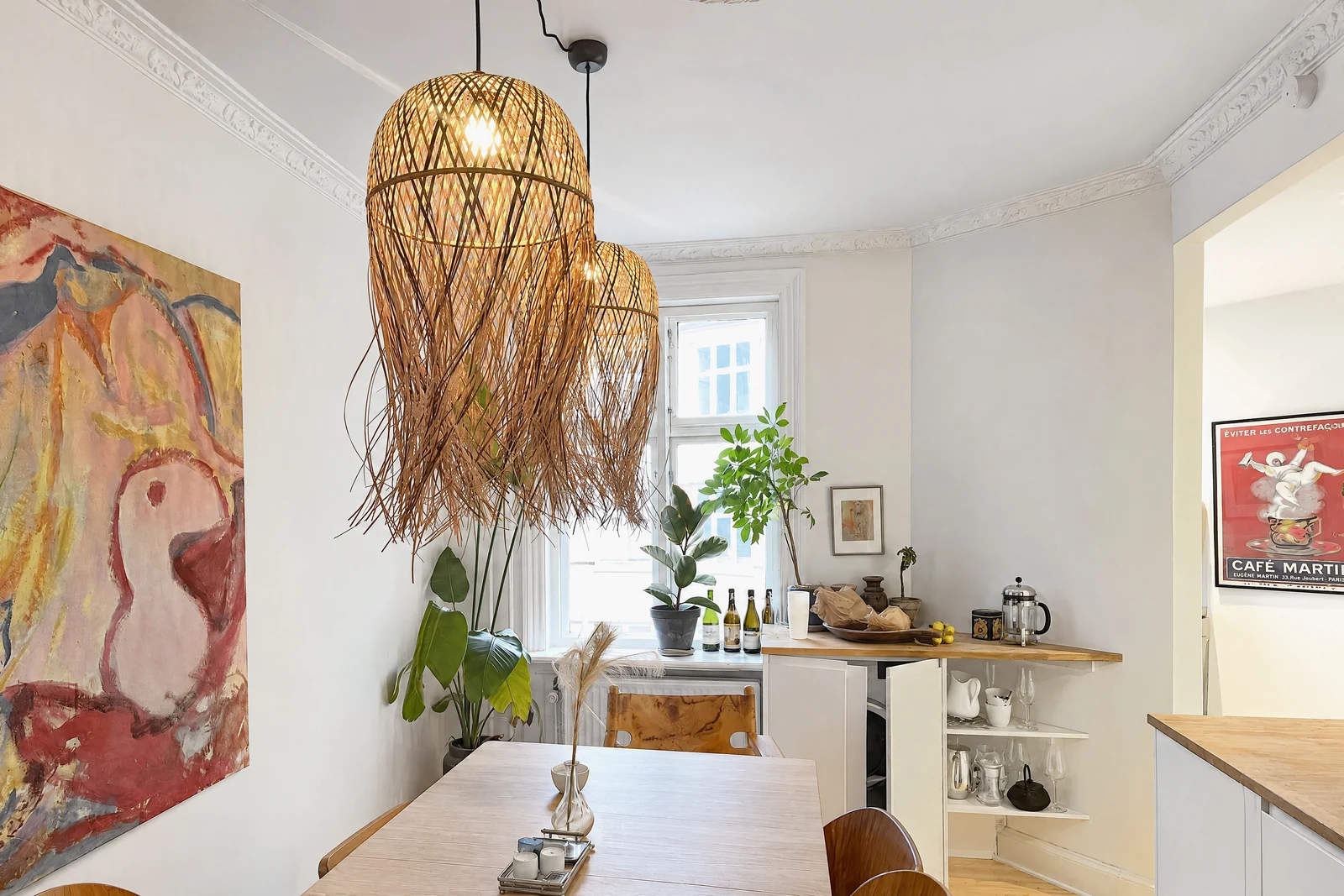
Bright isn't the same as pale. In our own measurements of professional interiors, living rooms had a median of only 11% of the frame near white; the brightness comes from filled shadows, not from pushing the whole photo up. In an editing app, lift the shadows, not the exposure (our study).
Angles and lens: level, 1×, horizon in the middle
- Hold the phone upright. Of 392 professional interiors we measured, only 7 leaned more than 1°. Tilting the phone up to fit the ceiling in makes walls lean; step back instead.
- Use 1×, not 0.5×. The ultra wide stretches anything near the edge of the frame. In Expedia's 2015 research, photos distorted by fisheye lenses or taken from unusual angles drew the most negative reactions, and shoppers were suspicious of them (Travel Weekly).
- Keep the horizon near the middle of the frame. Pointing the phone down fills the photo with floor.
- Shoot into a corner to show two walls, or square-on to the far wall for a symmetrical room such as a hotel room with twin beds.
- Landscape, not portrait, so the photo shows the width of the room.
People, privacy and what not to photograph
- Capture when the space is empty: before opening, between check-out and check-in, or before an event is set.
- Ask guests and staff to step out of the shot. Photograph your team separately, with their agreement, if you want team photos; Google encourages them on a Business Profile.
- Check mirrors, glass and screens. A mirror shows you, your bag and the room behind you. Screens, booking sheets and documents can show guests' names.
- Clear what doesn't belong: bottles, papers, chargers, coats on chairs, the cleaning trolley.
- Don't add what isn't there. Google asks for photos without significant alterations or excessive filters, and guests notice when the room doesn't match.
Consistency across rooms
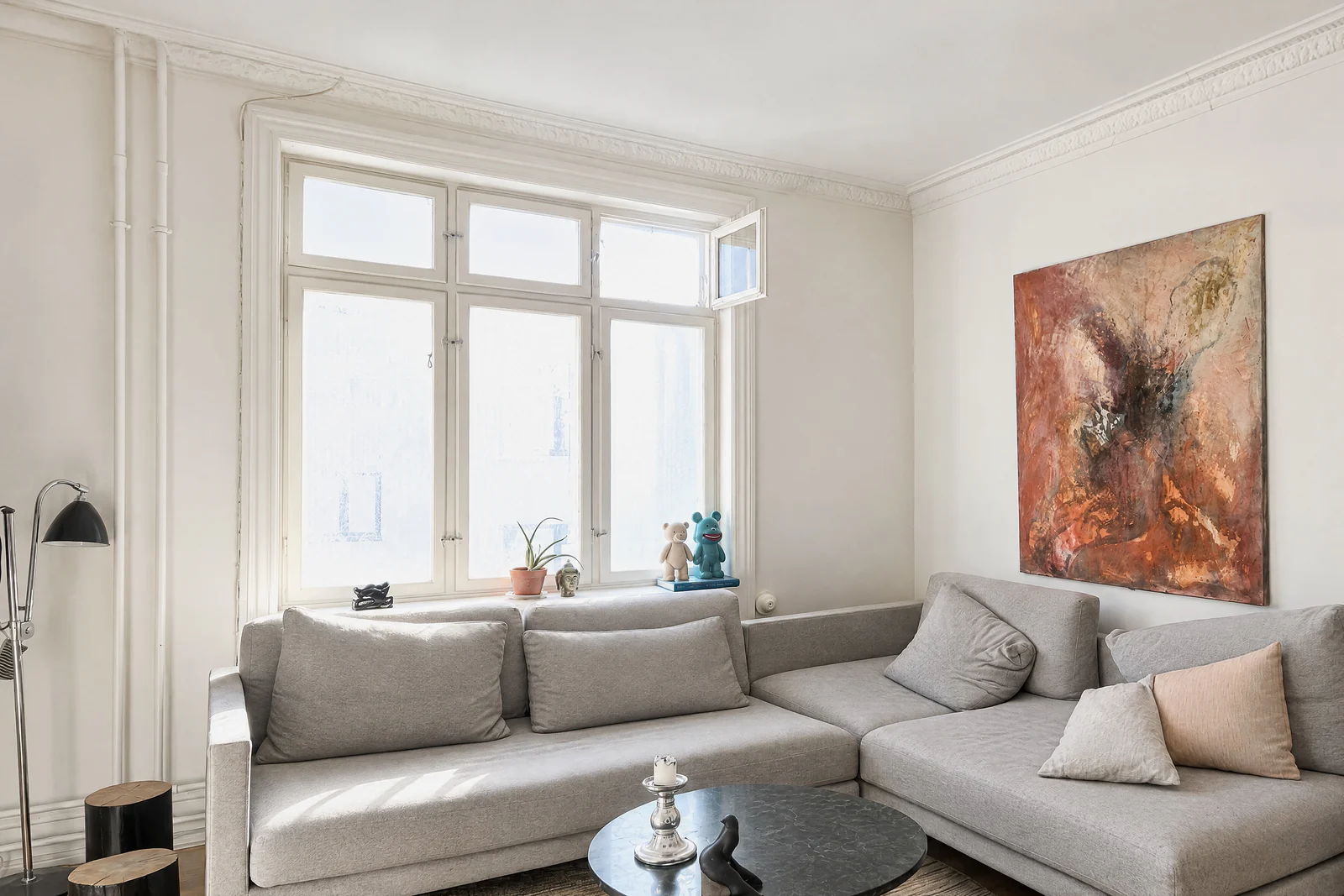
Guests compare your rooms side by side, so shoot them the same way: the same time of day, the same lights on, the same height and the same three positions in every room. Make every bed the same way and set every table the same way.
Refresh when something changes, not on a schedule: new furniture, a renovation, a new season on the terrace.
Doing it with October
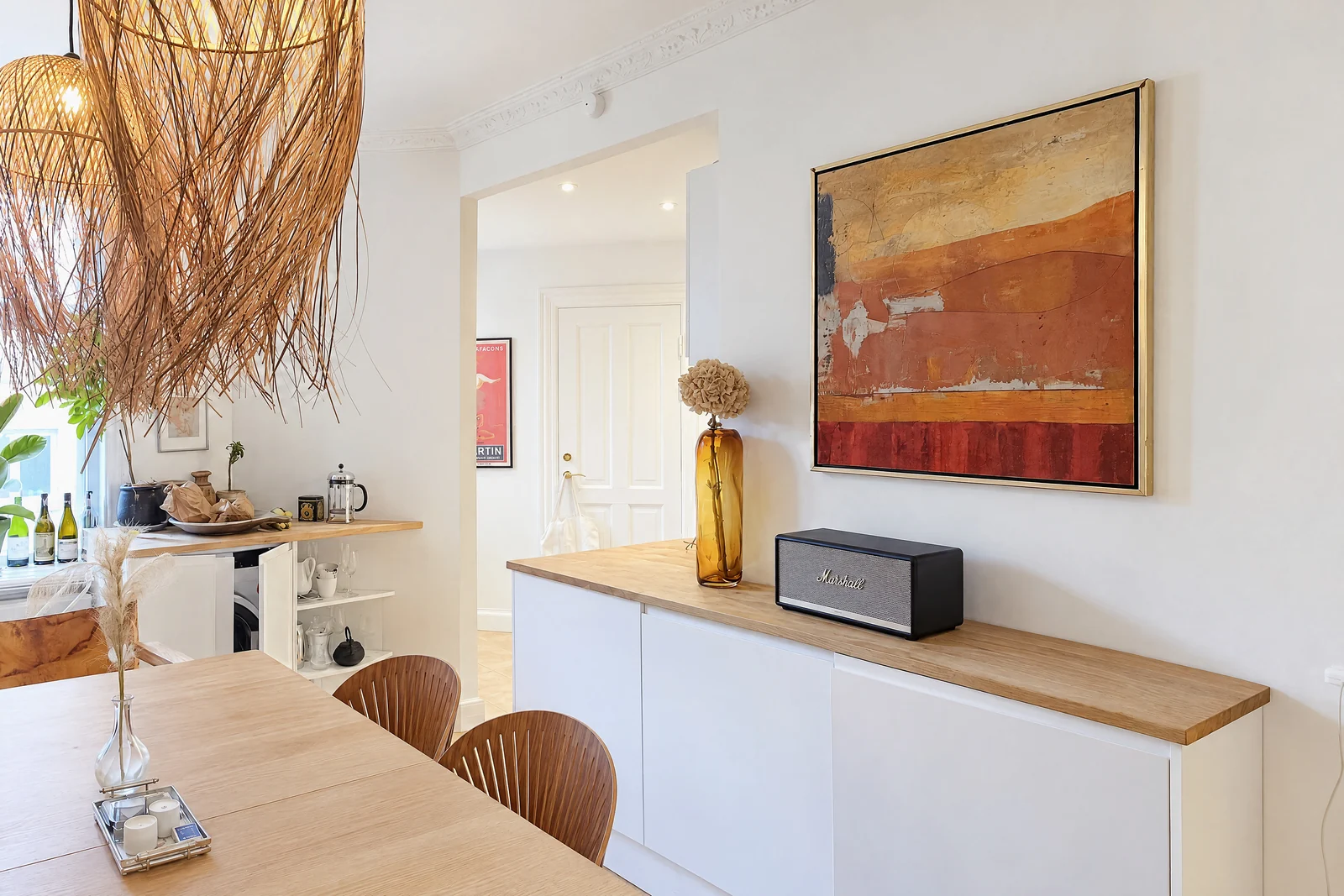
The October app does the positioning for you: it shows the photographer's spot in each room with an arrow and the distance, keeps the phone level and takes the photos itself, so housekeeping or front-desk staff can capture a room without photography experience. Every photo is a new image drawn by an AI image model from that capture, with the same daylight look and loose items left out; the model is told to keep walls, floors, windows, fittings and the view, and each photo is checked against the capture and redrawn if the room changed. The photos and an AI-generated walkthrough video usually come back within a few hours. Check each photo before you post it, and check that the platform you post to accepts AI-generated images.
A place is up to 6 rooms, for example one room type with its bathroom, or a set of public areas. Photos cost $49 a place, $99 with a walkthrough video and $199 with a 4K walkthrough; monthly plans are $149 for 2 places and $399 for 6. Your first place is free. See pricing.
Step by step
List the spaces
Write down every room type, common area and outdoor space you want to show, and the platforms you will upload to.
Prepare each room
Clear loose items, make beds the same way, set tables, check mirrors and screens, and ask people to step out.
Set the light
Shoot in daylight, open the curtains, switch the room's lights on and turn off any lamp that tints the walls.
Shoot three positions per room
From the entrance, from the far end and from a corner, at 1×, phone upright, horizon near the middle, landscape.
Add the details guests ask about
The bathroom, the view, the entrance, and for restaurants your most popular dishes, evenly lit.
Check and upload
Delete tilted or blurred frames, keep edits light, and export within each platform's size limits.
Questions
How many photos does a small hotel need?
Expedia's 2015 guidance was 20 or more per property and four or more per room type. Booking.com shows guests up to 40 on the property page, and Google asks hotels for at least three room photos plus one of each common area.
Can I use the same photos on Booking.com, Expedia and Google?
Yes, if they are landscape and large enough: Expedia has recommended 2,880 px on the long edge. Google's limit is 5 MB per file, so you may need a lighter export for Google.
Should guests or staff be in the photos?
Not in room and space photos: ask people to step out. Team photos are a separate set, taken with your staff's agreement.
Is it fine to edit or enhance the photos?
Correcting light and colour is normal. Google asks for photos without significant alterations or excessive filters, and changing the room itself misleads guests. October's photos go further: they are AI-generated, drawn from your capture with a daylight look and loose items left out, while the model is told to keep the room's layout, fixed features and view. Check each one against the room and the platform's rules on AI images before you upload it.
Can my staff take the photos with an iPhone?
Yes. With the October app, anyone with an iPhone 12 or newer can capture a room: the app shows where to stand, keeps the phone level and takes the photos.
Sources
- Booking.com Connectivity: Managing photos (photo restrictions)
- Booking.com Connectivity: Managing photo galleries
- Google Business Profile Help: Manage photos and videos
- Google Business Profile Help: Tips for business-specific photos
- eHotelier: Every picture tells a story, and impacts hotel conversion (Expedia, 2015)
- Travel Weekly: Hotels, strike a pose to sell: Expedia (June 2015)